Home Office Setup Checklist: Everything You Need to Work From Home
There are two kinds of home offices: the one where you’re hunched over a dining table with a laptop at 70% battery, and the one where you actually WANT to sit down and work.
The difference isn’t $5,000 — it’s a $200 foundation and knowing what to prioritize.
This checklist breaks it down into 3 tiers so you can build your dream office at your own pace, with exact product picks and a Video Call Audit to make sure your setup is Zoom-ready.
📌 Print the master checklist at the end — by Monday morning, you’ll have a real office.
The 3-Tier Home Office System
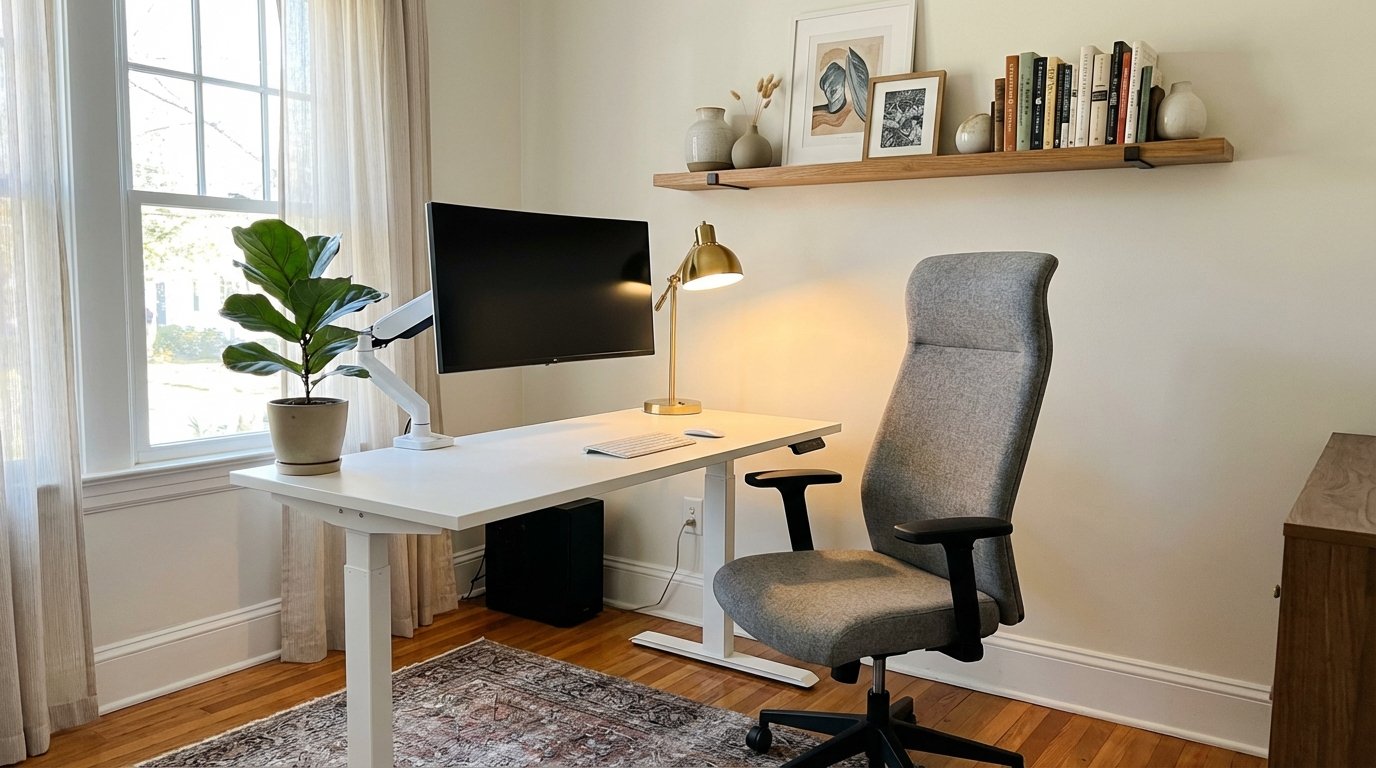
Not every office needs everything at once. Here’s the framework:
| Tier | What It Includes | Budget | The Result |
|---|---|---|---|
| Tier 1 — Foundation | The non-negotiables for comfortable work | $150-300 | “I can work here all day” |
| Tier 2 — Productivity | Upgrades that save your body and boost output | $100-200 more | “My back doesn’t hurt anymore” |
| Tier 3 — Professional Polish | The Zoom-ready finishing touches | $50-150 more | “My office looks better than my company’s” |
The truth: Tier 1 alone is enough to work comfortably for years. Everything else is icing.
Tier 1 — Foundation (The Non-Negotiables)
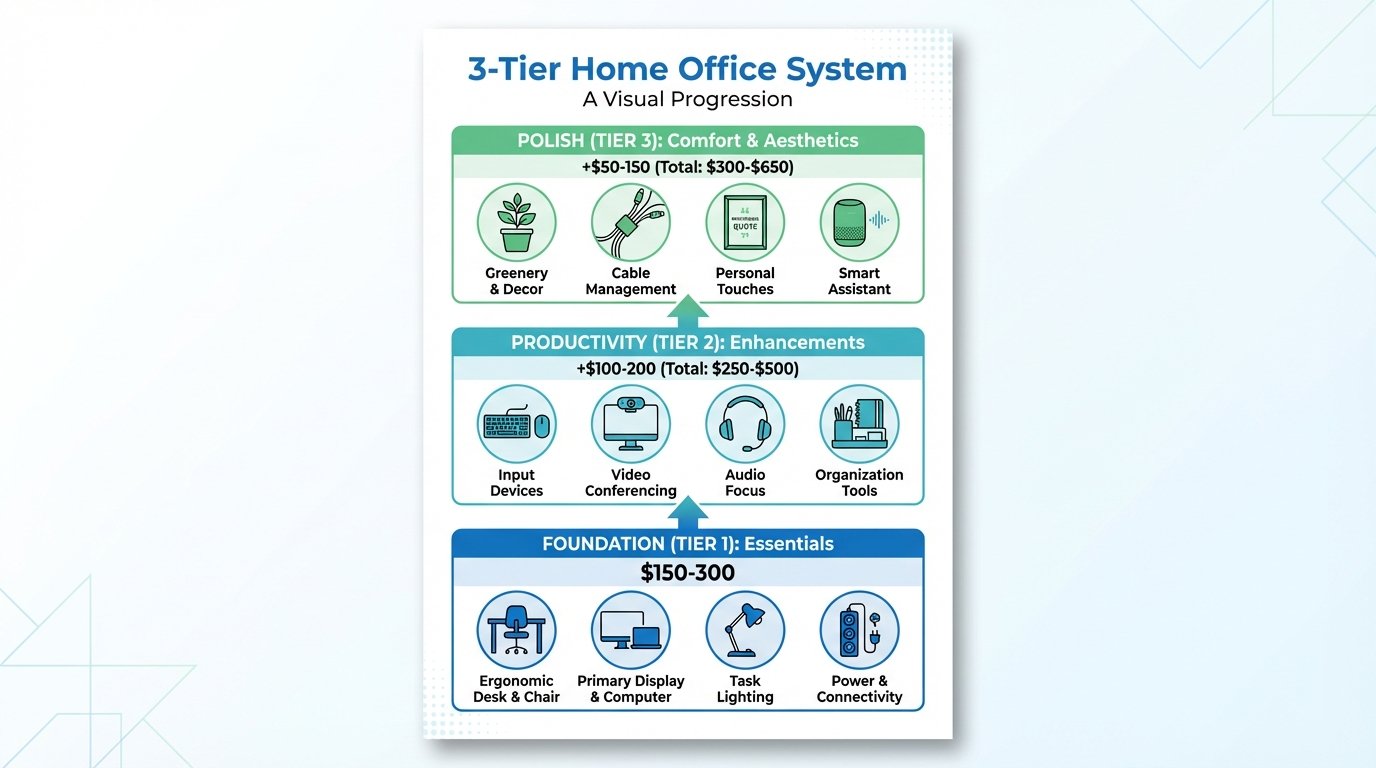
If you buy nothing else, buy these. Your body will thank you.
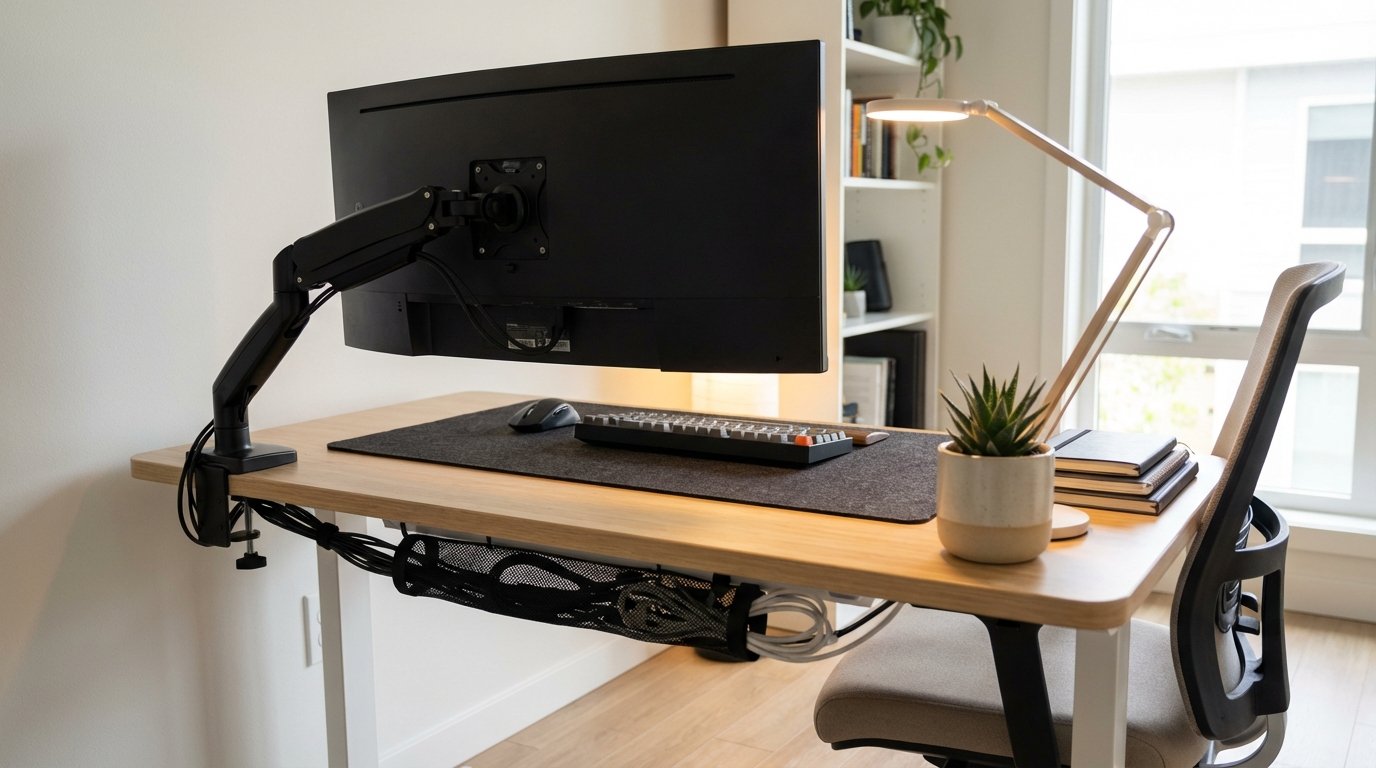
Desk ($50-200)
This is your foundation. Get it right.
What to look for:
- Width: 48″+ for dual monitors, 36″ minimum for laptop-only
- Depth: 24″+ so your arms can rest on the surface
- Material: Solid surface, not wobbly
Budget options:
- $50: IKEA LINNMON — simple, gets the job done
- $100: Amazon solid wood desk — better aesthetics, sturdier
- $200: Standing desk converter or basic electric standing desk
If you’re tight on space, check out our best desks for small home offices guide for compact options.
Chair ($80-250)
THE most important purchase. Seriously. Your back depends on it.
You’ll sit in this chair for 2,000+ hours per year. Don’t cheap out.
Must-have features:
- Adjustable height
- Lumbar support
- Arm rests (adjustable preferred)
Budget options that don’t destroy your spine:
- $80: Amazon mesh office chair (4.5★, 15K+ reviews)
- $150: IKEA MARKUS — the cult favorite for a reason
- $250: HON Ignition — near-Herman Miller quality at 1/5 the price
For more ergonomic accessories, see our guide to the best ergonomic home office accessories to complete your setup.
If you can only buy ONE thing, buy the chair. A good chair at a bad desk is survivable. A bad chair at a good desk is not.
Lighting ($15-50)
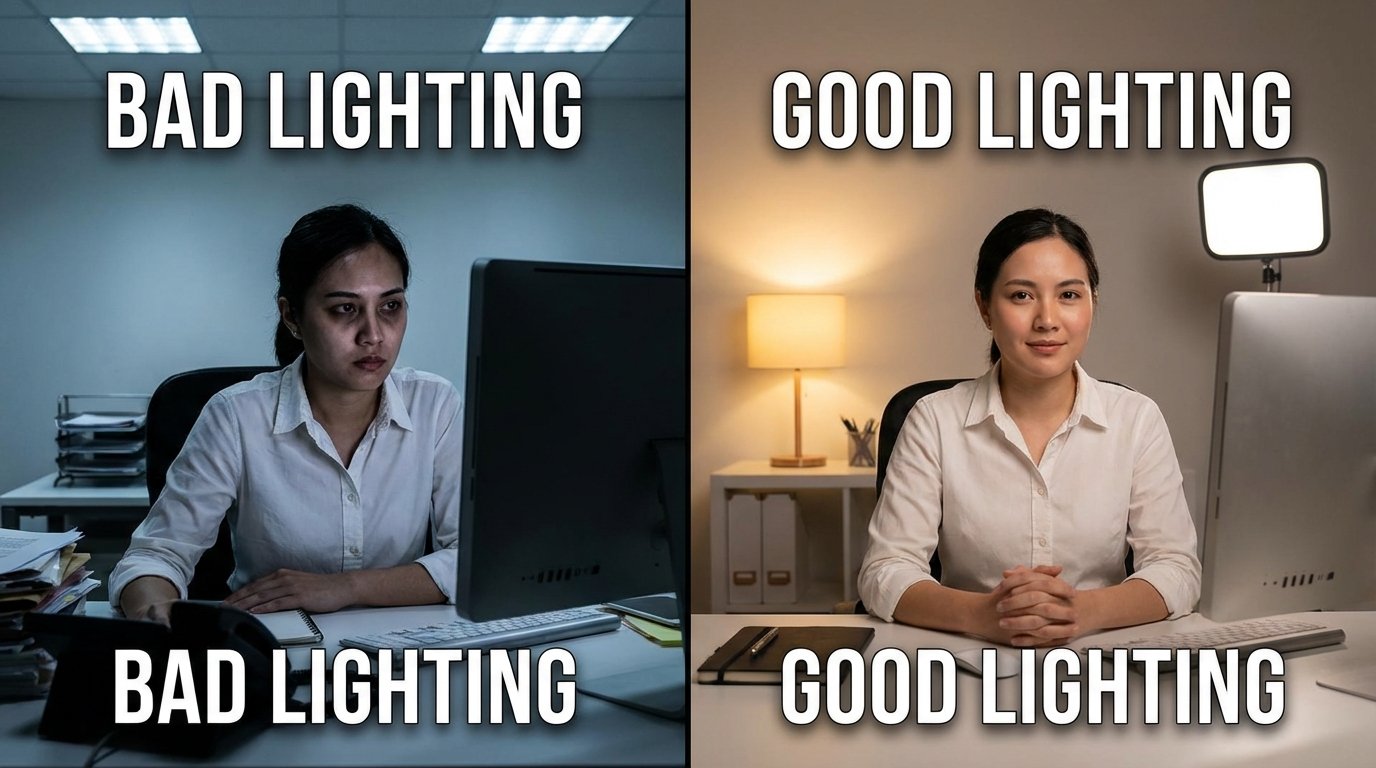
Bad lighting = bad Zoom calls + eye strain + headaches.
Minimum: One desk lamp with warm-white LED (2700K-4000K)
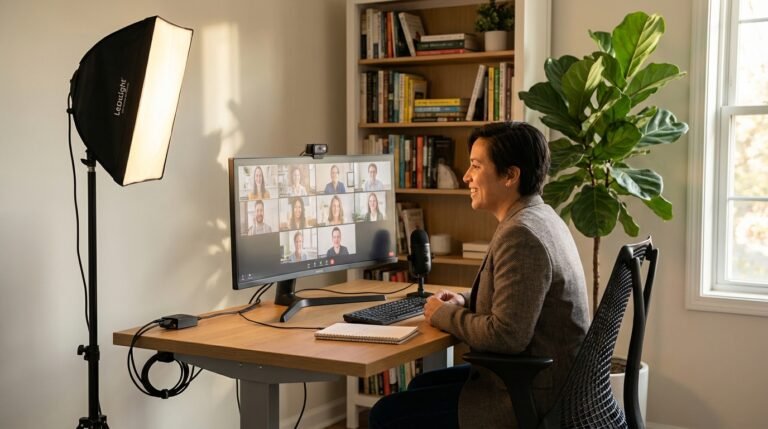
Best upgrade: Add a ring light or key light for video calls — it’s the difference between “tired and shadowed” and “professional and polished.”
Budget picks:
- LED desk lamp ($15)
- Ring light with stand ($25)
We have a complete home office lighting guide for video calls that goes deep on the exact setups that make you look your best on camera.
Power & Connectivity ($15-25)
The unglamorous essentials that make everything work.
- Power strip with USB ports near desk ($10-15)
- Cable management (Velcro ties, cable tray under desk) ($5-10)
- WiFi extender if your office is far from the router ($15-25)
Tier 1 Running Total: $150-300
Tier 2 — Productivity (Save Your Body, Boost Output)
These upgrades pay for themselves in comfort and output.
Monitor or Monitor Arm ($100-200)
Working on a laptop screen all day = neck strain. Period.
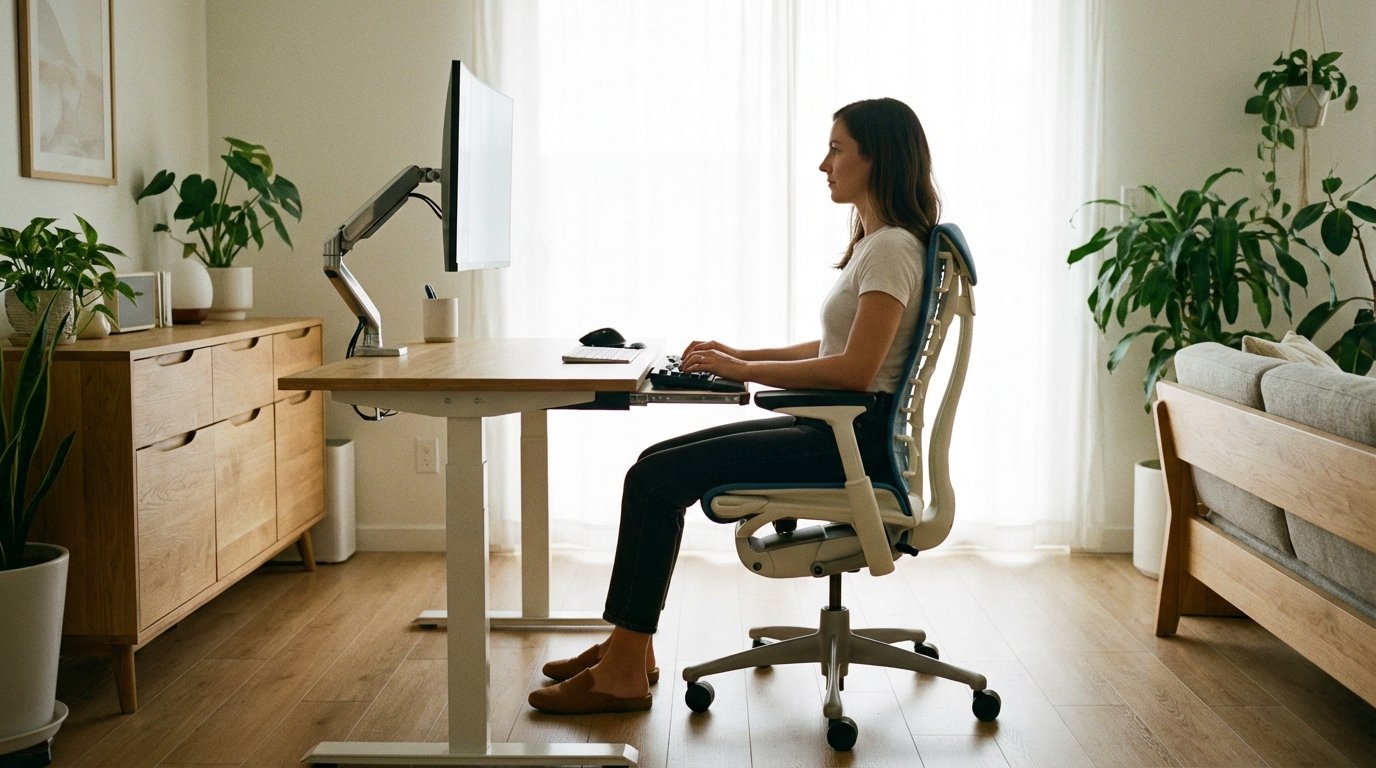
A 24″ external monitor ($120-180) is the single biggest productivity boost you can add. Suddenly you have room for two documents side by side. Your neck isn’t craned down. You can actually SEE what you’re doing.
The setup:
- Monitor on a stand OR use a monitor arm ($25-40)
- Top of screen at eye level
- Arm’s length away from your face
A monitor arm frees desk space and gives you perfect eye height — it’s a $40 upgrade that feels like $400.
External Keyboard & Mouse ($20-40)
Laptop keyboards are fine for coffee shops. They’re not fine for 8-hour days.
Why you need them:
- Laptop keyboard = bad wrist angle
- External keyboard = proper ergonomic position
- External mouse = faster, more precise, no trackpad cramps
Budget pick: Logitech MK295 wireless combo ($30)
Add a wrist rest ($8-12) and you’ve just prevented years of carpal tunnel risk.
Headset or Microphone ($20-60)
Built-in laptop mics make you sound like you’re in a tunnel.
Budget options:
- USB headset ($20) — simple, reliable
- Dedicated USB mic ($40-60) — podcast quality
- Wireless earbuds you already own — works for calls
If you’re on Zoom all day, this matters more than you think.
Desk Organizer ($10-20)
If you can see your desk surface, you can think. If you can’t, you’re distracted.
- Pen holder ($5)
- Document tray ($8)
- Small drawer unit ($10-15)
Keep only what you use daily on the desk. Everything else goes in drawers or on shelves.
Tier 1 + 2 Running Total: $250-500
Tier 3 — Professional Polish (The “Love My Office” Layer)
These are the touches that make you want to show your office on Zoom — and actually enjoy sitting there.
Wall Art / Zoom Background ($10-30)
The wall behind you is your Zoom first impression. Make it count.
Options:
- 2-3 framed prints behind your desk ($15-30)
- Floating shelf with plants + books ($20)
- One large statement piece ($25-40)
For more ideas, see our guide to home office wall decor for Zoom that shows exactly what looks professional on camera.
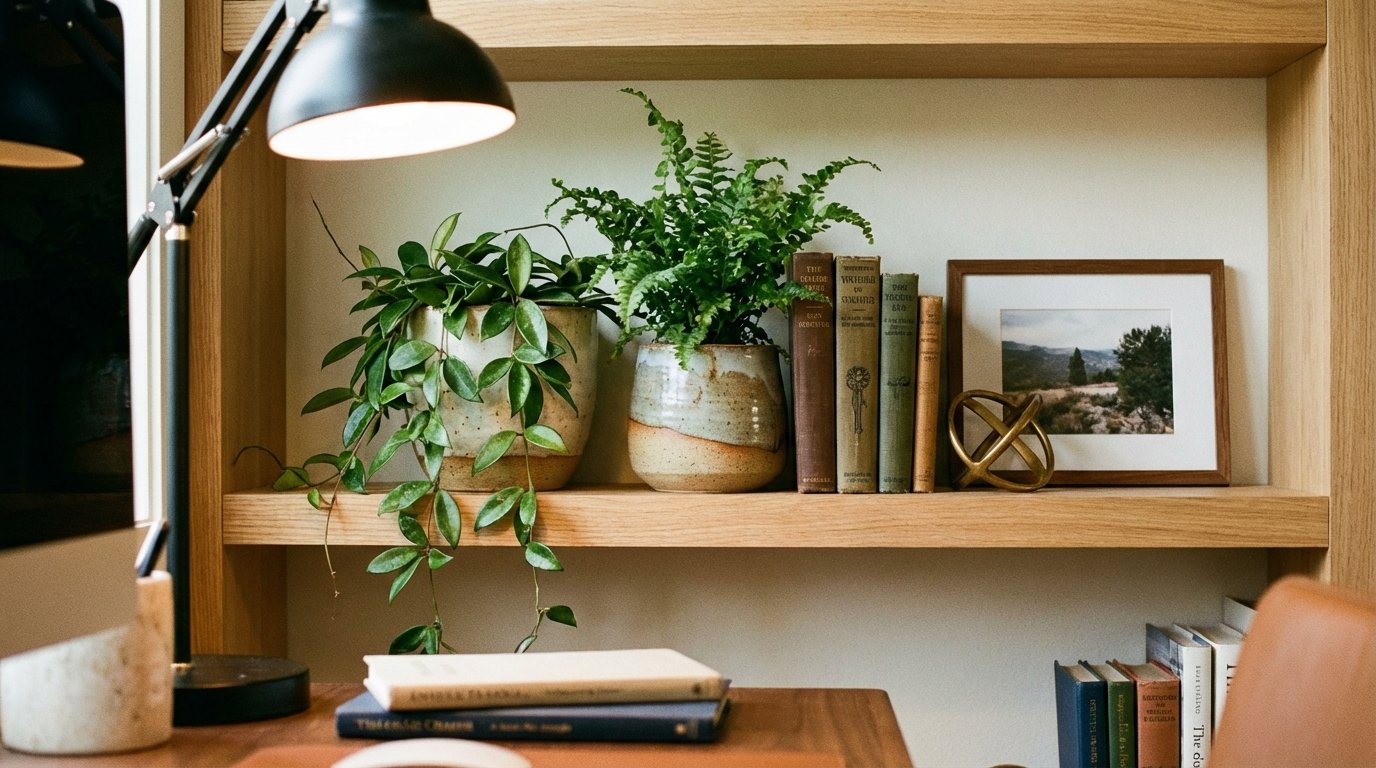
Plants (2-3 for Life) ($10-20)
Every office needs something alive. It’s not just aesthetics — plants reduce stress and improve air quality.
Best desk plants:
- Pothos (low light, hard to kill)
- Snake plant (thrives on neglect)
- ZZ plant (doesn’t care about anything)
Place one on your desk, one on a shelf, one in the corner. Apply the same styling principles from our living room bookshelf styling guide for that curated look.
Candle or Reed Diffuser ($8-12)
Your office should smell like purpose, not yesterday’s lunch.
Best scents for focus:
- Eucalyptus
- Peppermint
- Cedar
- Clean linen
A reed diffuser gives constant, subtle scent. A candle is for occasion.
Personal Touches ($5-15)
Make it feel like YOUR space, not a coworking desk.
- One framed photo
- One meaningful object
- One favorite mug
The rule: 3 personal items max — enough to feel human, not cluttered.
Cable Management ($10-20)
Nobody should see your cables — especially on Zoom.
- Under-desk cable tray ($12)
- Velcro ties ($5)
- Cable clips ($3)
This is the difference between “tech bro chaos” and “designed workspace.”
Tier 1 + 2 + 3 Running Total: $300-700 all-in
Video Call Audit — Score Your Setup
How professional does your setup look on camera? Rate yourself:
| Category | Score 1-5 | Notes |
|---|---|---|
| Lighting (face well-lit, no backlight?) | /5 | |
| Background (clean, intentional?) | /5 | |
| Audio (clear mic, no echo?) | /5 | |
| Camera angle (at eye level?) | /5 | |
| Professional impression overall? | /5 | |
| TOTAL | /25 |
Scoring guide:
- Under 15? Start with lighting and background — they’re 80% of the impression
- 15-20? You’re solid, minor tweaks needed
- 20+? You’re Zoom-ready
Budget Comparison — 3 Complete Setups
What does a home office actually cost? Here are 3 complete configurations:
| Item | Budget ($200) | Mid-Range ($500) | Dream ($1,000) |
|---|---|---|---|
| Desk | IKEA LINNMON $50 | Amazon solid wood $100 | Standing desk $350 |
| Chair | Amazon mesh $80 | IKEA MARKUS $150 | HON Ignition $250 |
| Lighting | LED desk lamp $15 | Ring light $25 | Key light + desk lamp $80 |
| Monitor | (laptop) $0 | 24″ monitor $150 | Monitor + arm $220 |
| Keyboard/Mouse | (laptop) $0 | Logitech wireless $30 | Logitech MX combo $100 |
| Decor | Plant + art print $10 | Plants + shelves $30 | Full shelf display $60 |
| Accessories | Power strip $15 | +headset +organizer $50 | +mic +cables +diffuser $80 |
| TOTAL | ~$170 | ~$535 | ~$1,140 |
Weekend Setup Plan (Saturday Buy, Sunday Build)
Here’s how to have a complete office by Monday:
Friday Night:
- Measure your space
- Order online or plan store trip
- Clear the area
Saturday Morning:
- Buy desk + chair + lamp (Tier 1)
- Target, IKEA, or Amazon Prime
Saturday Afternoon:
- Assemble desk and chair
- Set up lighting and power
Sunday Morning:
- Add monitor, keyboard, mouse
- Organize desk surface
- Run cable management
Sunday Afternoon:
- Decorate: art, plants, personal items
- Run the Video Call Audit
Sunday Evening:
- Score yourself
- Make final adjustments
By Monday morning, you have a real office.
Printable Home Office Setup Checklist
🔴 TIER 1 — FOUNDATION ($150-300)
- [ ] Desk (48″+ wide, 24″+ deep) — $50-200
- [ ] Chair (adjustable, lumbar support) — $80-250
- [ ] Desk lamp (warm LED) — $15-50
- [ ] Power strip with USB — $10-15
- [ ] Cable management basics — $5-10
🟡 TIER 2 — PRODUCTIVITY ($100-200)
- [ ] External monitor (24″+) — $120-180
- [ ] Monitor arm or stand — $25-40
- [ ] External keyboard & mouse — $20-40
- [ ] Wrist rest — $8-12
- [ ] Headset or mic — $20-60
- [ ] Desk organizer — $10-20
🟢 TIER 3 — POLISH ($50-150)
- [ ] Wall art / Zoom background — $10-30
- [ ] 2-3 plants — $10-20
- [ ] Candle or diffuser — $8-12
- [ ] Personal items (3 max) — $5-15
- [ ] Full cable management — $10-20
📌 Print this checklist and start with Tier 1 — you’ll have a real office by Monday.
FAQ: Home Office Setup
What do I need in a home office?
The essentials: a proper desk (48″+ wide), an ergonomic chair with lumbar support, good lighting (desk lamp + ideally a ring light for video), and power access near your workspace. That’s Tier 1 — $150-300 total. Add a monitor, keyboard, and mouse for productivity.
How much does it cost to set up a home office?
Budget setup: $150-200 (desk, chair, lamp). Mid-range: $400-600 (adds monitor, better chair, accessories). Dream setup: $800-1,200 (standing desk, premium chair, dual monitors). Most people can build a great setup for $300-500.
What is the most important home office furniture?
The chair. Period. You’ll sit in it for 2,000+ hours per year. A good chair prevents back pain, neck strain, and long-term health issues. Spend more on your chair than anything else. The IKEA MARKUS at $150 is the sweet spot for most people.
How do I make a small home office work?
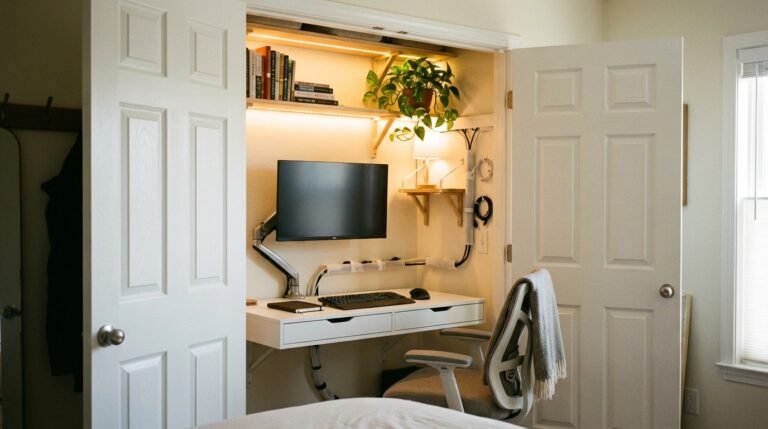
Use a compact desk (36″ wide minimum), mount your monitor on an arm to save desk depth, use vertical storage (shelves above desk), and keep only essentials on the surface. For tight spaces, consider our closet office conversion guide for creative solutions.
What makes a good Zoom background?
Clean, intentional, not distracting. 2-3 pieces of art on the wall behind you, a plant or two, good lighting on your face (no window behind you), and minimal visible clutter. Run our Video Call Audit above to score your current setup.
What to Read Next
- 👉 Small space solution: Closet office ideas
- 👉 Video call lighting: Home office lighting for video calls
- 👉 Budget refresh: Budget home makeover under $500
- 👉 2026 trends: Home decor trends 2026
📌 Print our 3-Tier Home Office Checklist and start with the Foundation — you’ll have a real office by Monday.